Frame Studio

How to Animate 2D Images Online

A clean, step-by-step path tailored for creating motion with your images using Frame Studio.

Frame Studio animation preview

A simple way to animate images fast

Today there are a lot of animation softwares for 2D animation. I will show a way to animate images in a really easy and simple way, so you can publish them to your Instagram and TikTok very fast.

The actions we will go through are:

  • Segmenting image section
  • Completion of image section
  • Animation by drag in the timeline

Step 1

Remove the background of your images with remove bg or photoroom, then open up the frame studio website and drag your image from the picture board to the canvas.

Step 2

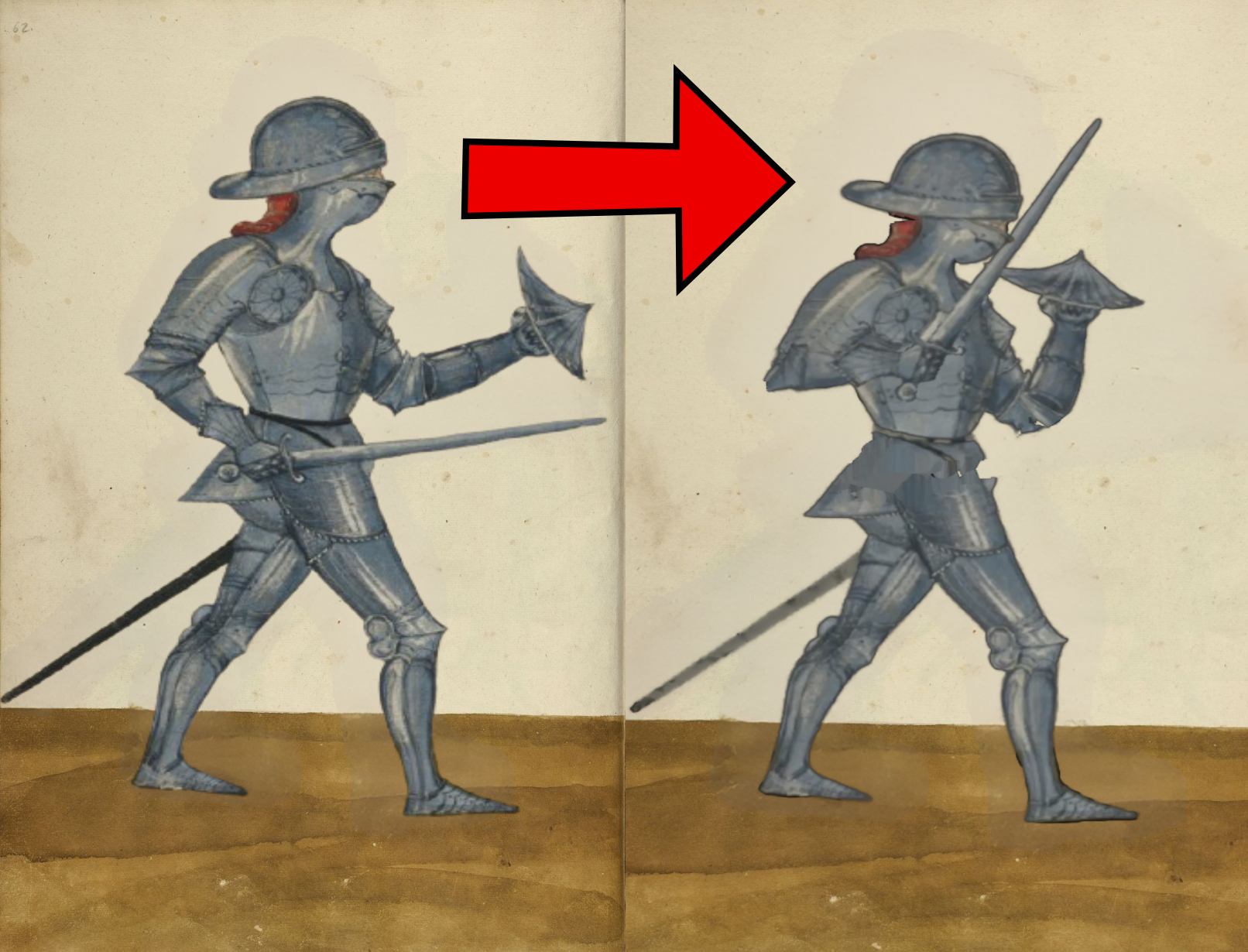
Use the selection lasso in magic tools and fragment pieces for the image, which we would later use to animate and add motion to.

Step 3

Now use the extend lasso to cover the missing section we removed with the selection lasso, so they won't appear empty in the final animation.

Step 4

Now begins the magic: use the select move tool to click on the object you wish to animate, drag its anchor point to where you wish the object to rotate inwards to, and use the timeline transform tools keys to set key points of the rotation.

Step 5

Congrats, you made your first animation online, enjoy your art.